Design system

Feb - April 2025
Asama P.
Thongthod K.
Rawisara L.
UX/UI Lead
UX/UI Designer
UI Associate (Me)
Figma, Figjam
Explored competitor research, benchmarking other design systems to inform our structure and approach.
Defined token architecture and naming conventions for colors
Built 10+ main components in Figma, covering anatomy, variants, and states.
Wrote usage guidelines and documentation for each component.
Supported developer handoff, helping the team understand how to implement components without hardcoding.
Before
Without a design system, every new feature started from zero. Designers had no shared reference to rely on, so each screen was built from scratch with different patterns, colors, and components, even for the same UI element. For developers, translating these designs into code meant constant back-and-forth, taking more time for every team.
After
With a shared token and component library in place, the team finally had a foundation to build on. Designers could pick up any new feature with confidence. Development became faster because components were already defined and consistent across the board. And when the brand needed to evolve or a component needed updating, one change in the system cascaded everywhere automatically, no more manual fixes screen by screen.
When design is consistent, everyone benefits. Developers ship faster with reusable components, product and QA move with better alignment, and the business benefits from a consistent product. Most importantly, end users get an experience that feels coherent and predictable, making Salary Hero easier to navigate and trust.
😎
👩💼
🕵️♂️
🏢
💼
👤
While working on the product, we kept running into the same problem. There was no shared standard for designers to work from, which meant we constantly had to check in with each other just to make sure our designs were aligned. Small decisions like which color to use, what spacing to apply, or how a button should look were being made differently by different people on the team.
The more we dug into it, the more we realized this wasn't just a designer problem. Developers had to interpret inconsistent designs and fill in the gaps on their own. QA had no clear baseline to test against. New team members took longer to get up to speed because there was nothing to reference. The lack of a shared system was creating friction across the entire team, and we knew a design system was the right way to fix it.
🕴️
🧑💻️
👬👬
🚧
📱
The project ran from February to May. We spent the first month planning and researching the right approach, then moved into building tokens and components in March. On 25th April we published the first version, and May was dedicated to working with developers on integrating the system into production.

Before jumping into building, we took time to explore what the best approach to a design system would look like for Salary Hero. That's when we discovered atomic design, a methodology that structures everything from the smallest elements like colors and typography, all the way up to full page templates. It gave us a clear mental model for how to build in a way that's consistent and scalable.
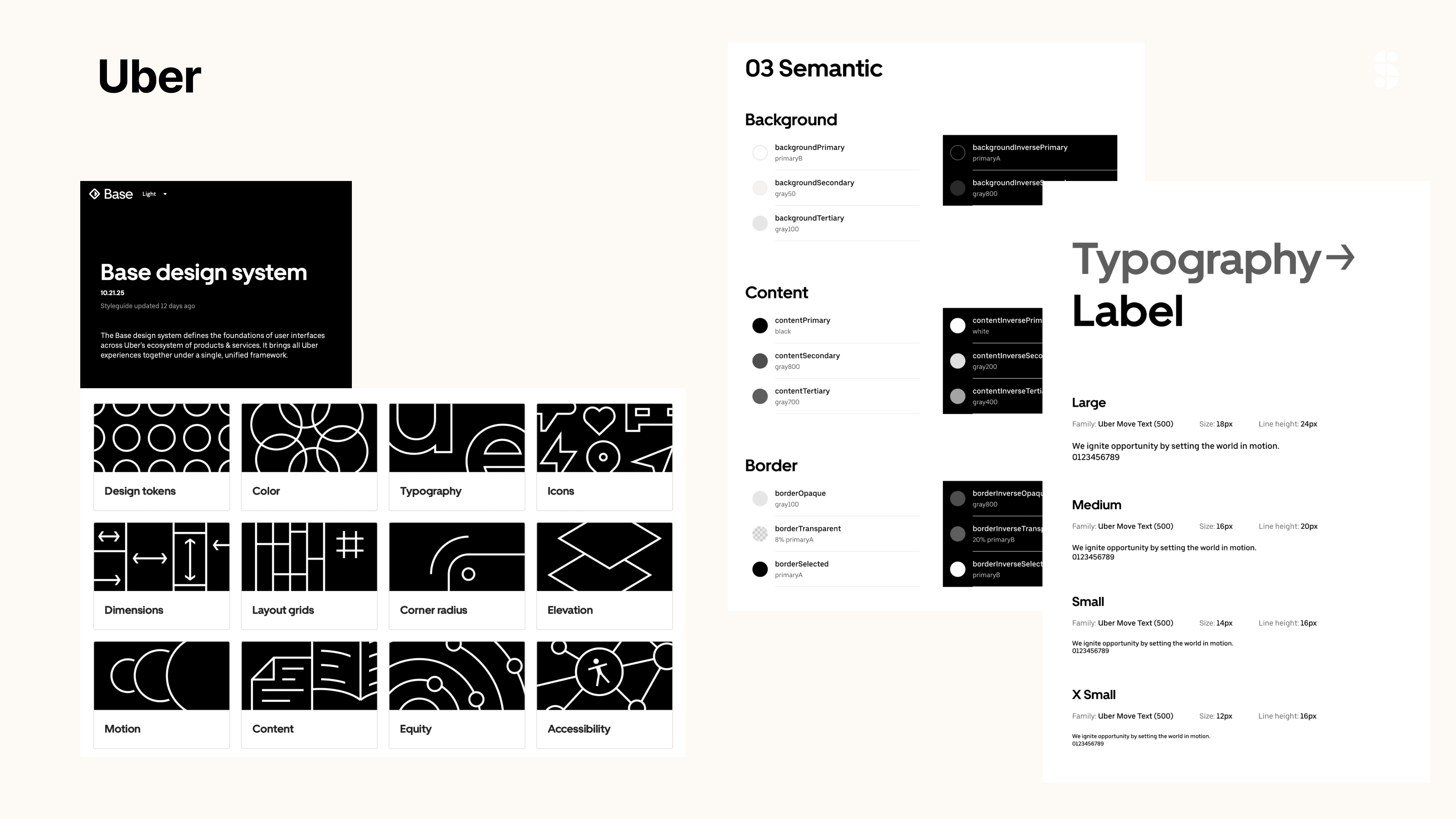
We also looked outward, studying some of the most well-regarded design systems in the industry to understand what good actually looks like in practice. Uber's Base and LINE stood out as strong references.
From Uber's Base system
Uber gave us a strong foundation to reference. Their atoms-to-templates hierarchy confirmed we were structuring things the right way. We adopted their approach to token naming : clear and scalable and used their component documentation style as the benchmark for our own, covering anatomy, variants, states, and specs in one place.
From LINE
LINE reinforced our color token decisions. Seeing how they organized colors into primary, secondary, and semantic layers gave us confidence in our own structure. It also echoed what we'd already taken from Uber, which told us we were heading in the right direction.

Atomic design gave us a clear, logical structure to build from, starting with the smallest building blocks and scaling up layer by layer into full page templates. Rather than designing screens in isolation, we could now build a system where every decision connects back to a shared foundation.
We structured the system into four layers.
Atoms
The smallest building blocks of the system. Foundational values like colors, typography, spacing, shadows, and icons, all defined as tokens so they can be reused and updated consistently across the entire product.
Components
Functional UI pieces built by combining atoms. A text field, a button, a dropdown. Each component is documented with its anatomy, variants, states, and specs so designers and developers are always working from the same definition.
Patterns
Reusable combinations of components that solve common user flows. The employee login screen below is a good example, two input fields and a button working together as a single repeatable pattern, removing the need to redesign the same flow from scratch every time.
Templates
The outermost layer, where patterns and components come together into full page structures. Templates define the layout and hierarchy of each screen, ensuring every part of the Salary Hero app feels like it belongs to the same product.

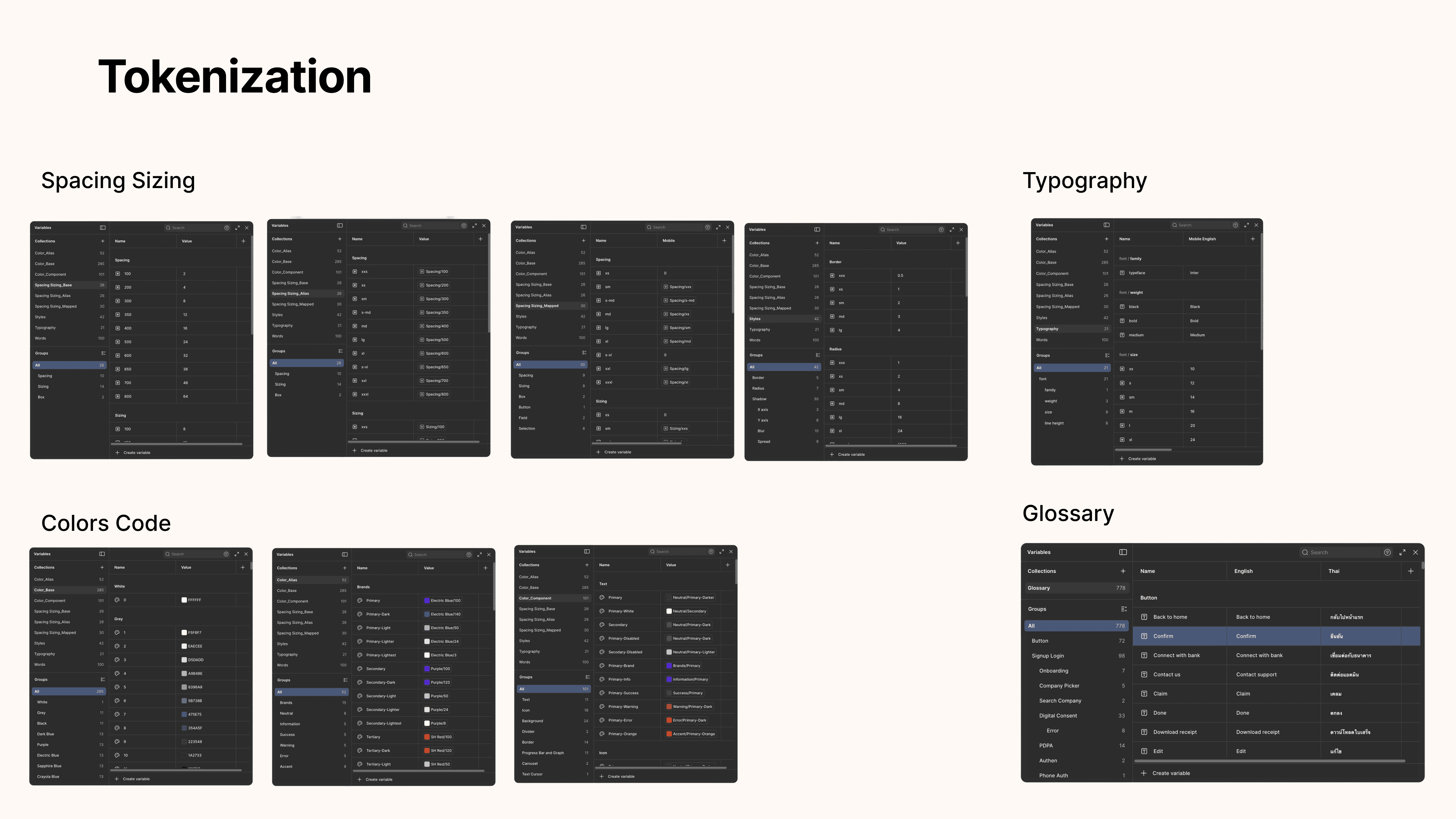
Atomic design gave us the structure, but tokens are what make it truly scalable. Every visual value, from colors and spacing to typography and border radius, is defined once and referenced everywhere. We are able to update a single token and it cascades across the entire product automatically.
Colors
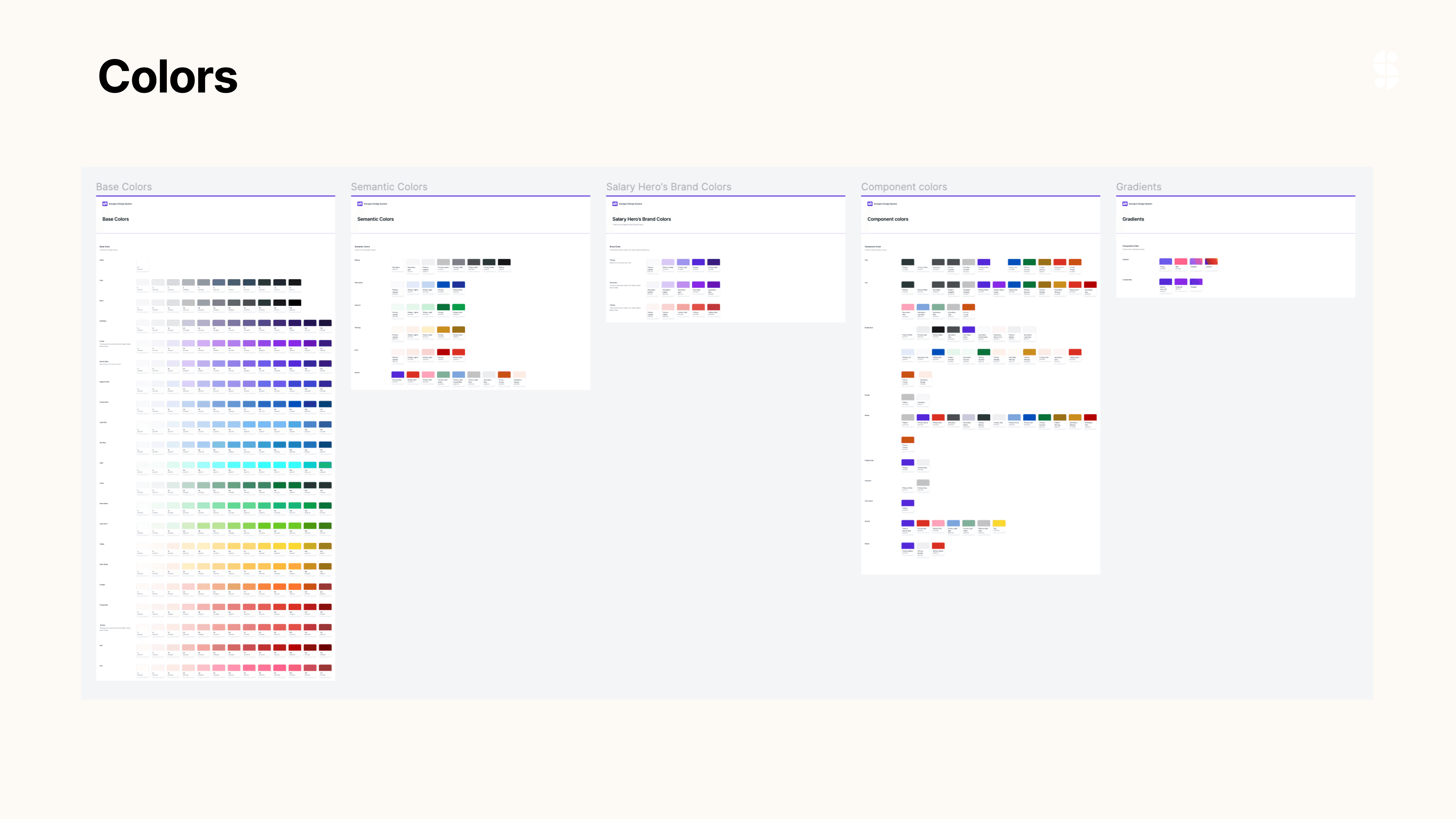
Every color in the product is defined as a token with a specific hex code, organized into primary, secondary, and semantic layers. Updating a color token automatically updates it across every component and screen that uses it.
Typography
Text sizes are defined on a consistent scale so nothing feels inconsistent. Each token maps to a specific use case, from display headings down to captions, keeping the hierarchy clear and readable across the app.
Spacing and sizing
We used a 4-point grid system as the foundation for all spacing and component sizing. Every margin, padding, and element size is a multiple of 4, which keeps layouts consistent and makes it easier for developers to implement without guessing.
Copywriting
We documented all UI copy as part of the system. Every label, button text, error message, and placeholder is recorded in one place. This makes it easy to maintain consistent tone across the product and straightforward to switch between languages when needed.
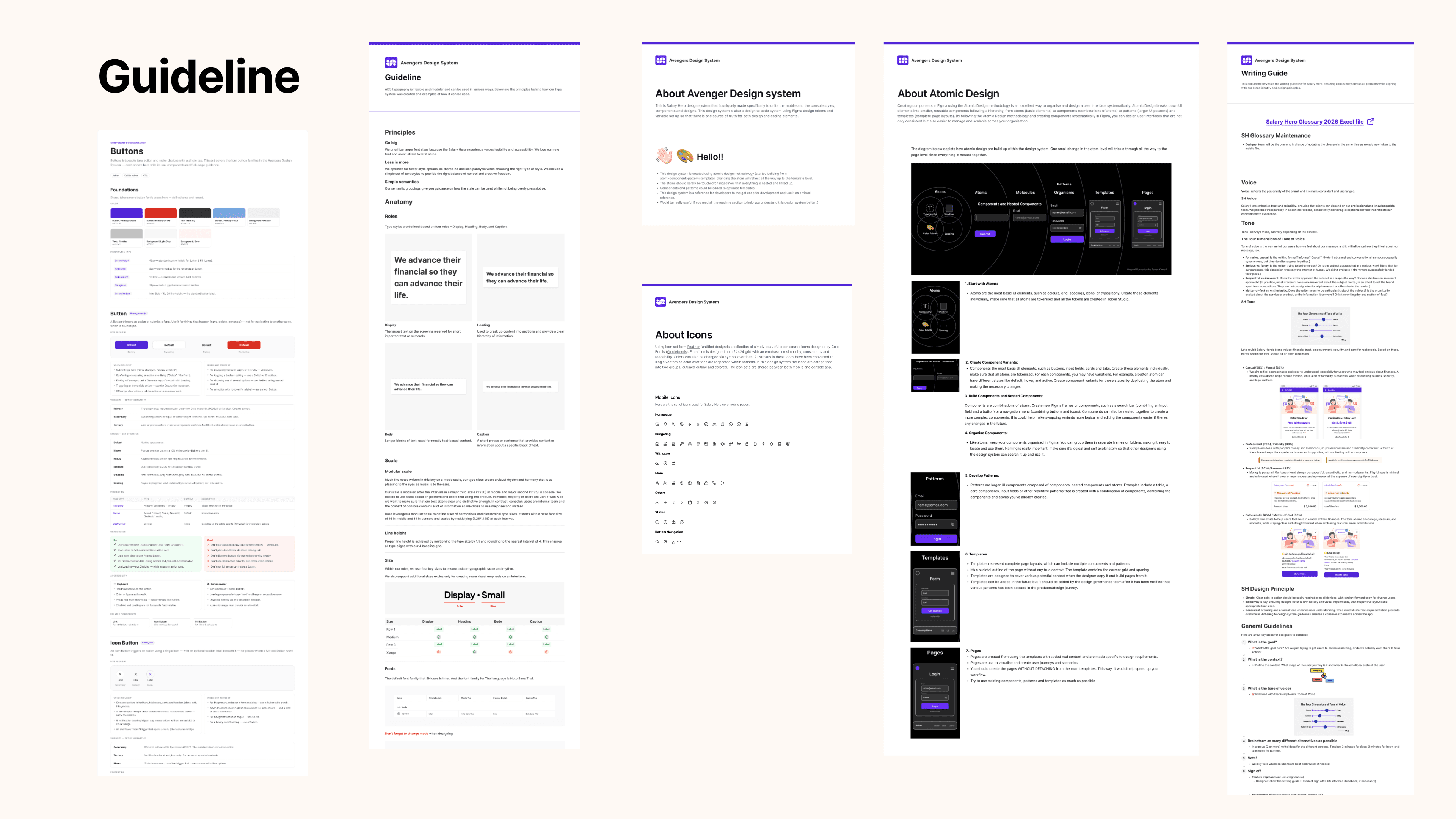
We wrote detailed guidelines covering component anatomy, usage rules, tokenization standards, date and number formatting, and a copywriting guide with a shared glossary. Everything a designer or developer needs to work with the system independently, without having to ask.
As we built each component, the team discussed the use cases together to make sure everyone understood not just how it looks but when and why to use it. For developers coming into the Figma file, the guidelines serve as a clear reference so nothing gets lost in translation.
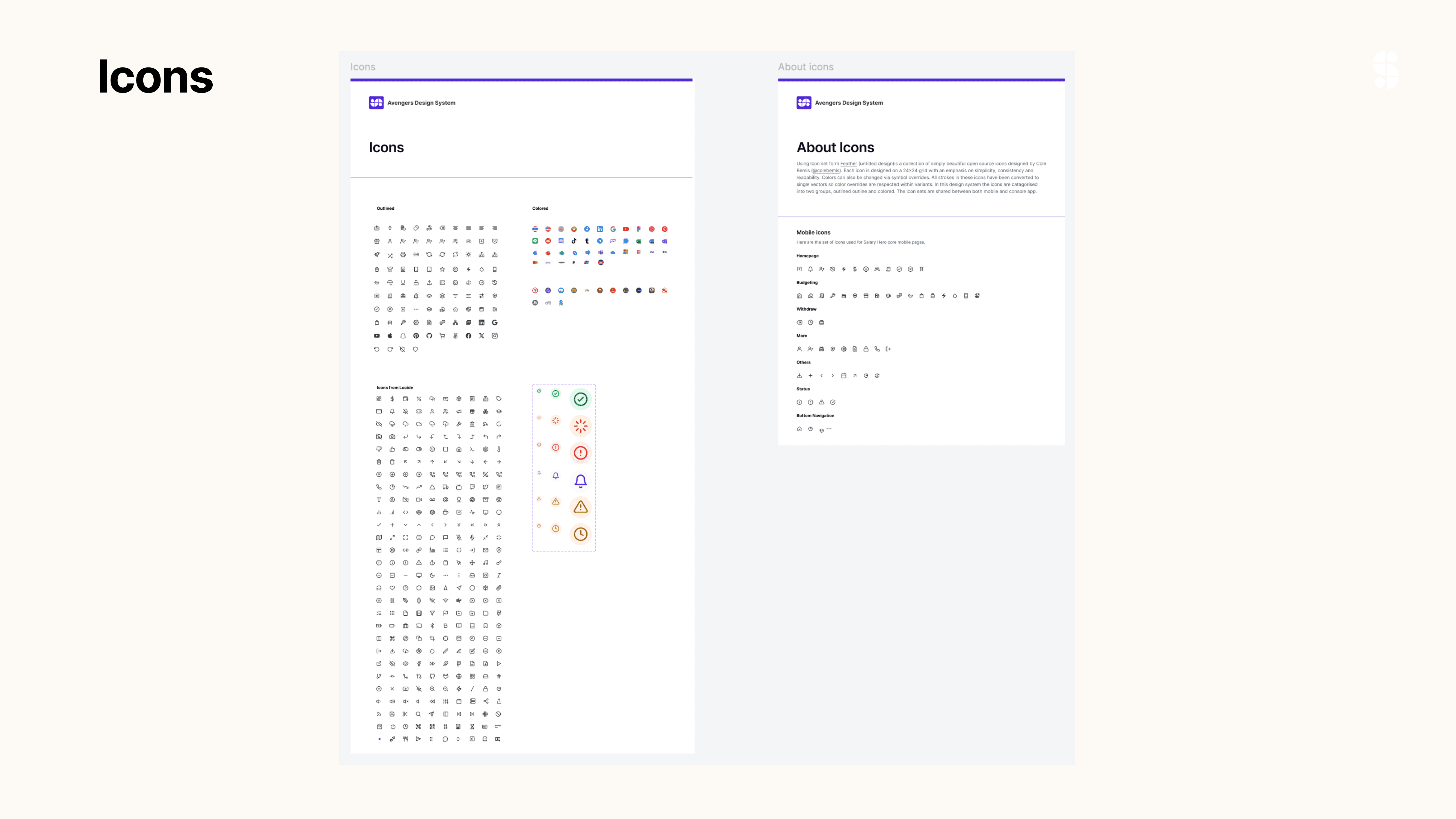
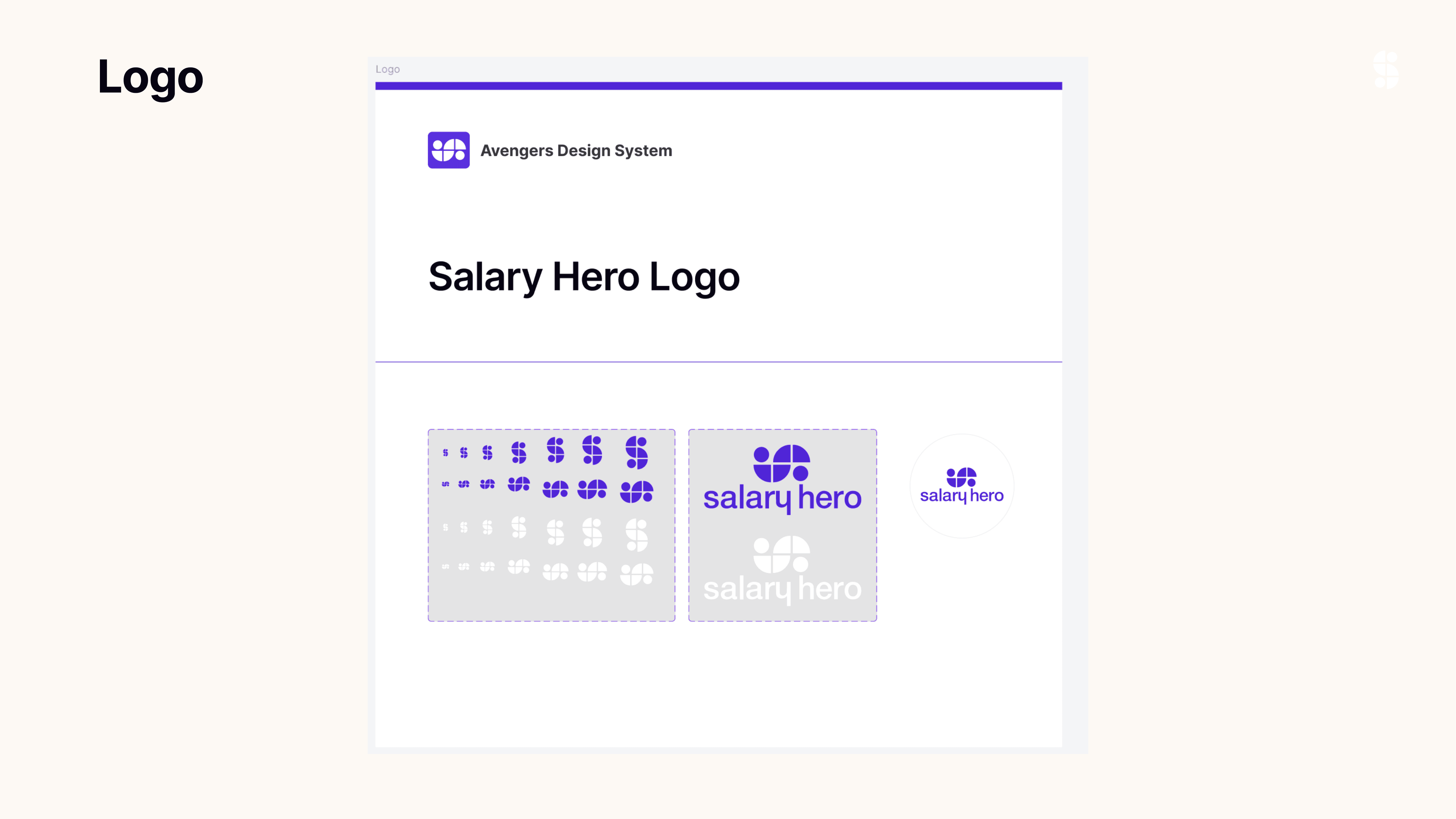
These are the atoms we built as the foundation of the system. Typography, colors, icons, spacing, shadows, image ratios, and logo usage. Getting these right first meant everything built on top would naturally stay consistent.



These are the components we built on top of the atom foundation. Buttons, dropdowns, input fields, navigation, badges, tables, toast notifications, and more. The more complex ones come with detailed guidelines covering anatomy, variants, and usage rules. Still growing.

Patterns and templates are where everything comes together. Some patterns we kept in the working product files since that is where we actually build the features. For templates we made a separate page so it is easy to find and reference when we need it. Every screen here is built from the same components and tokens underneath.

To keep everyone in the loop, we announce design system updates on the 25th of every month. The announcement covers what changed, what is new, and anything the team needs to know before using the latest version.
We also set up a clear update process. The design team makes the changes, stakeholders including the design lead, product manager, and frontend lead sign off, and then we publish the updated library and post in the group chat. If needed, we also present the new designs to other stakeholders before publishing.
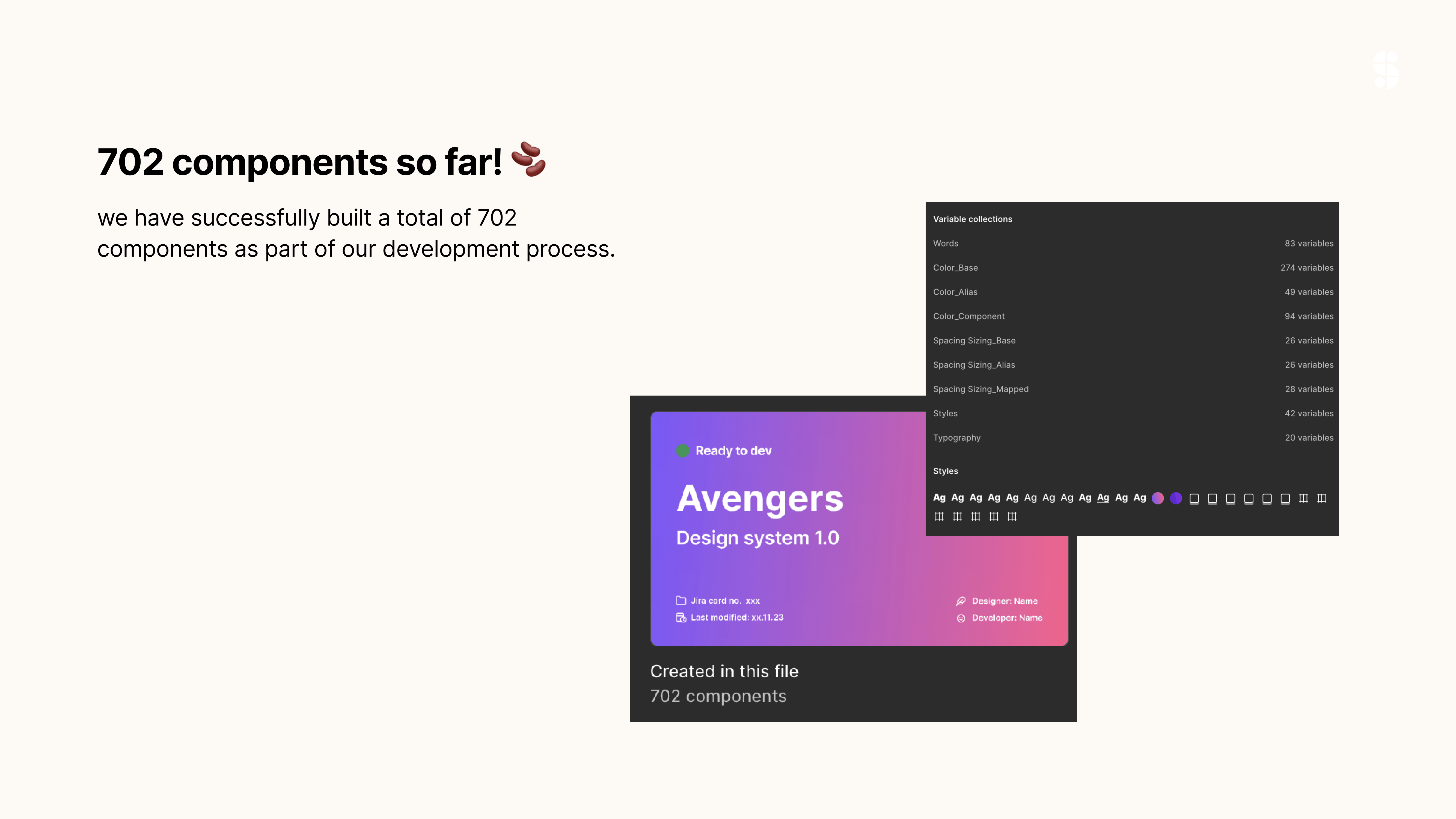
So far we have built 702 components in total and more are on the way.


This was one of my very first projects after moving from the admin team into the product design team. Honestly I had no idea what anyone was talking about at the start. Design systems, tokens, atomic design, it was all new to me. Figma was also still new to me at the time, so I was learning everything on the job, from how variables and tokenization work, to building nested components, setting up auto layout, and working with the 4 point grid system. Looking back this project taught me more about design and Figma than anything else. It is where I really started to grow as a designer.
Looking back now there are things I wish we had done differently. These are the lessons that stuck with me the most.
When the project resumes, the plan is to tackle console components as the next phase, starting with the highest-impact pieces rather than trying to cover everything at once.